Graphics on the web, pragmatically
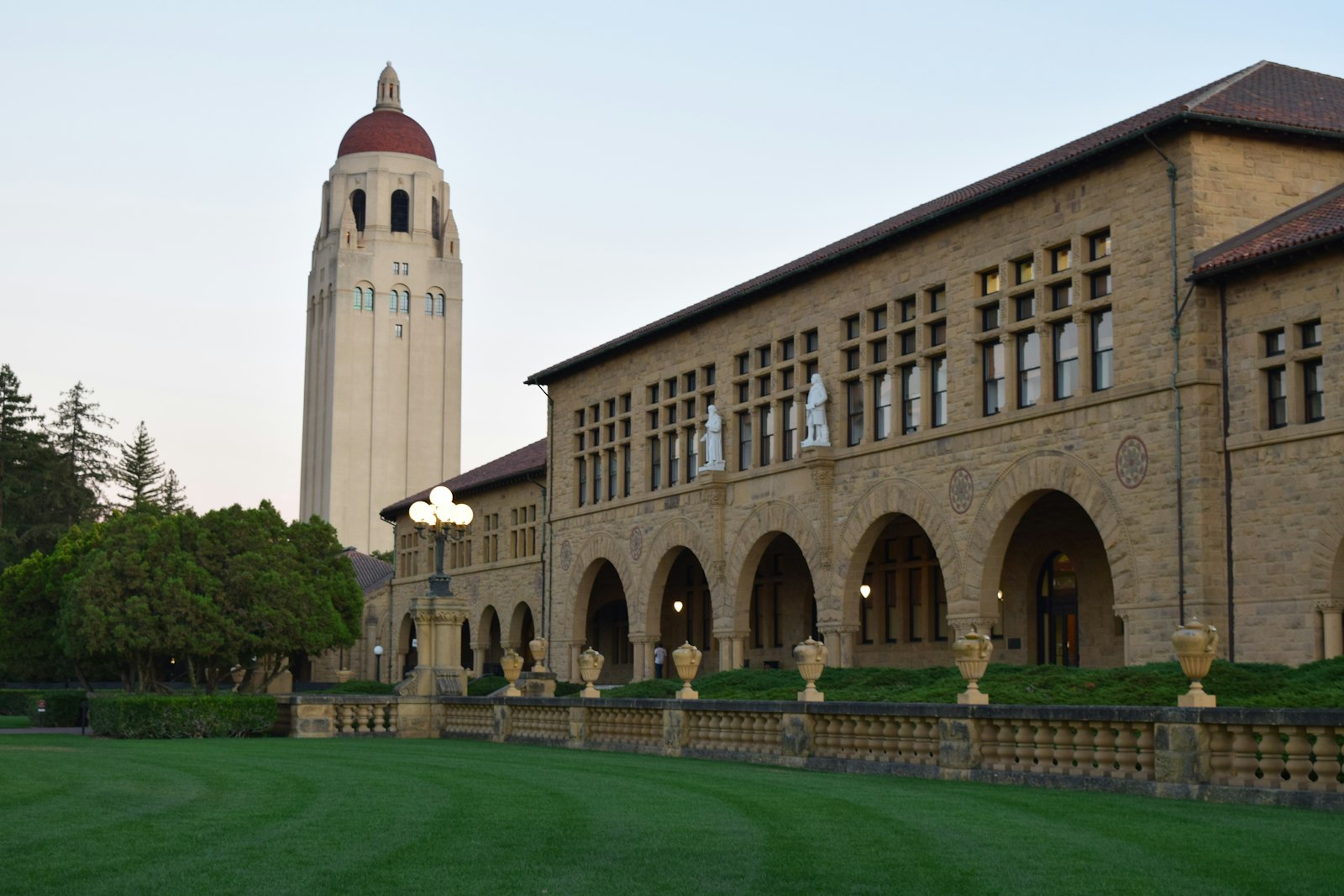
Shipping a 3D campus inside a student portal was ambitious. Here is what worked and what we would redo.
Progressive enhancement is everything
Our 3D scene gracefully degrades to a 2D illustrated map when WebGL is unavailable, when the device is low-end or when the user prefers reduced motion. Detection is cheap; dignity for users is priceless.
Import maps over bundles
We used import-map-driven module graphs to load Three.js only where needed, shaving hundreds of kilobytes from the initial payload.
Budget your draw calls
Our campus model was optimized to a few dozen draw calls. Additive blending and fancy materials look great in demos and melt framerates in the field.
The takeaway
Users remember the moment a school felt futuristic — but they never forgive a janky scroll. Performance is the first feature.